How to Check Your Electricity Bill Online in Pakistan
There was a time when checking your electricity bill meant waiting for the paper slip to arrive at your gate — and if it blew away, got lost in the rain or never came, you paid at the bank with a fine on top. That era is over. Every electricity distribution company in Pakistan now publishes your bill online, and with a single number printed on any old bill you can view the current one, download it and print a duplicate that banks and post offices accept without argument.
This guide explains the whole system in plain language: which company supplies your home, where your reference number is hiding, how the official PITC portal works step by step, how Karachi's K-Electric does things differently, and what to do when the bill that opens on your screen looks wrong. Keep one old bill beside you and you can finish the entire process before your chai goes cold.
First, know your electricity company
Pakistan's homes are supplied by regional distribution companies, usually called DISCOs. Your bill can only be opened on the system of the company that owns your meter — a Lahore reference number will return nothing if you type it into the Multan company's page. The company name is printed at the top of every paper bill. The main ones are:
| Company | Main areas served |
|---|---|
| LESCO | Lahore, Kasur, Okara, Sheikhupura, Nankana Sahib |
| IESCO | Islamabad, Rawalpindi, Attock, Jhelum, Chakwal |
| FESCO | Faisalabad, Jhang, Sargodha, Toba Tek Singh, Chiniot |
| MEPCO | Multan, Bahawalpur, Dera Ghazi Khan, Sahiwal, Rahim Yar Khan |
| GEPCO | Gujranwala, Sialkot, Gujrat, Hafizabad, Narowal |
| PESCO | Peshawar and most of Khyber Pakhtunkhwa |
| HESCO / SEPCO | Hyderabad and lower Sindh / Sukkur and upper Sindh |
| QESCO | Quetta and the whole of Balochistan |
| TESCO / HAZECO | Merged tribal districts / Hazara division |
| K-Electric (KE) | Karachi and surrounding areas — a private company with its own system |
The good news is that all the government DISCOs sit on one shared platform run by the Pakistan Information Technology Company (PITC), so the method below works the same way from Karachi's outskirts to Khyber. Only K-Electric stands apart, and we cover it separately further down.
The one thing you need: your reference number
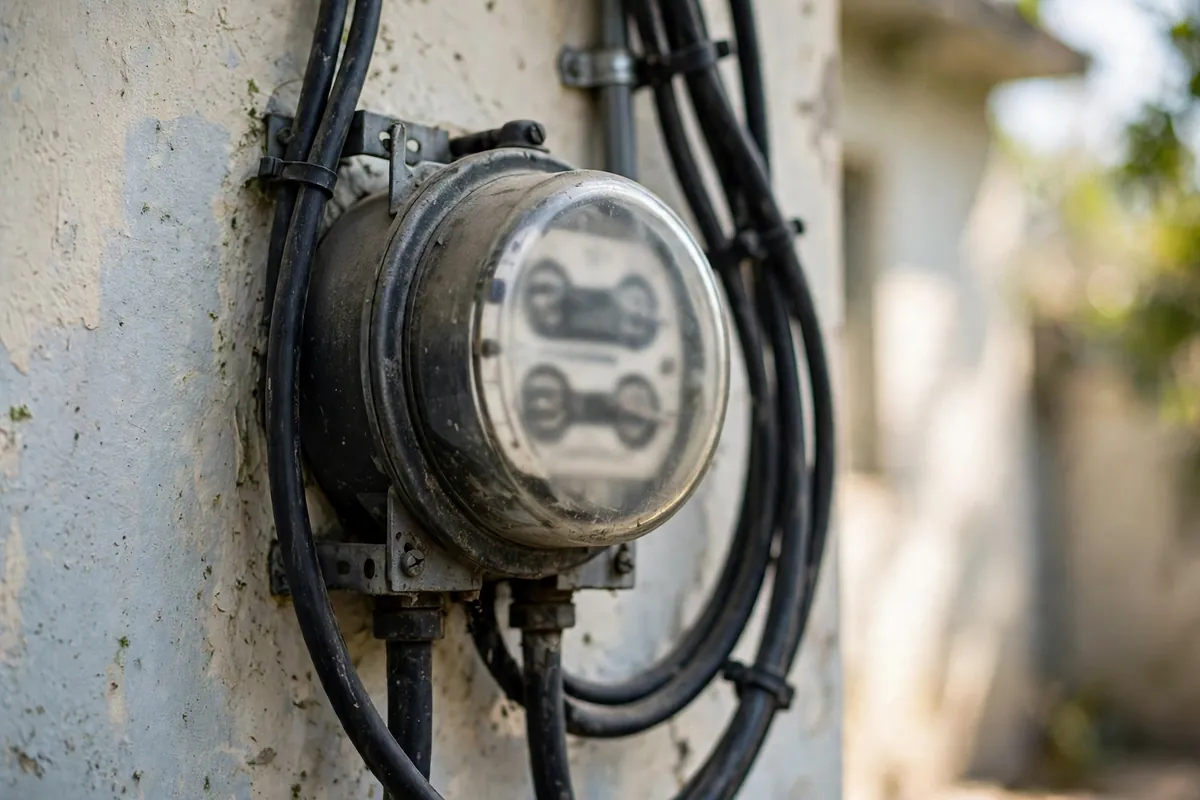
Every electricity connection in the DISCO system carries a 14-digit reference number. You will find it printed on any previous bill, usually near the top of the page, clearly labelled "Reference No". A few connections on newer metering systems show a 10-digit consumer number instead — the portal accepts the number printed on your bill, so copy exactly what is there.
Three things about this number are worth understanding. First, it belongs to the connection, not to the person: it stays the same when a tenant moves out and another moves in, which is why landlords check bills online so easily. Second, it never changes month to month, so find it once and save it in your phone's notes forever. Third, it is not your meter number — the meter number is stamped on the physical meter itself and will not open your bill.
Step by step: check your bill on the PITC portal
- Open the official portal. Go to bill.pitc.com.pk — this is the genuine PITC address that the Ministry of Energy points citizens to. Each company also has its own page on the same host, such as bill.pitc.com.pk/lescobill for LESCO or bill.pitc.com.pk/iescobill for IESCO.
- Select your company if the main page asks you to, choosing the DISCO printed on your old bill.
- Type the reference number exactly as printed — digits only, no spaces, dashes or letters.
- Press search. Within seconds the current bill loads on screen: consumer name, address, billing month, meter reading, units consumed, the amount payable within the due date, the amount after it, and the due date itself.
- Download or print it. Use the page's print option and either send it to a printer or save it as a PDF. That printout is your duplicate bill.
There is no step six. No account is created, no password is set, and no fee is charged. If a website that looks similar asks you to register, pay, or enter bank card details to "release" your bill, close it — you are on an imitation site, and the real portal never does any of those things.
Checking a K-Electric bill in Karachi
K-Electric is a private utility and does not sit on the PITC system, so Karachi readers follow a slightly different path. Instead of a 14-digit reference number, KE uses a 13-digit account number, printed at the top of every KE bill and typically beginning with 0400.
Visit the official K-Electric website at ke.com.pk, find the bill inquiry section, and enter the account number to view your current bill, due date and consumption breakdown, then download the PDF duplicate. The KE Live mobile app does the same job and can send monthly notifications. If you have lost the account number entirely, a KE Integrated Business Centre (IBC) can retrieve it against your CNIC. Everything else in this guide — reading the bill, checking it for errors, paying it — applies to KE customers in exactly the same way.
How to read the bill that opens on screen
A Pakistani electricity bill is dense, but five numbers tell you almost everything:
- Units consumed — the difference between this month's and last month's meter reading. This is the single most important figure: multiply your habits by it, not the other way around.
- Amount within due date / after due date — the second figure includes the late-payment surcharge. Paying a few days late, every month, quietly costs a household thousands of rupees a year.
- FPA (Fuel Price Adjustment) — a charge that moves with the cost of fuel used to generate electricity, approved under NEPRA's framework. It explains why two months with identical units can produce different totals.
- Tariff slab — domestic consumers pay per-unit rates that rise in slabs as consumption climbs, and crossing into a higher slab — especially the protected/unprotected threshold — can lift the whole bill sharply.
- Arrears — any unpaid balance carried forward. If this line is not zero when you believe you have paid everything, something has gone wrong and it is worth chasing immediately.
Paying the bill once you have it
The duplicate you print is a fully valid payment instrument. You can pay it at any bank branch, at post offices and authorised payment shops, or — the way most households now prefer — from your phone: every major banking app, JazzCash and Easypaisa accept the same reference number and settle the bill in under a minute, with the receipt saved in the app. Pay a day or two before the printed due date rather than on it; payment systems occasionally slow down at the end of the month, and the surcharge does not care whose fault the delay was.
When the bill looks wrong
Sometimes the screen shows a number that cannot be right. Work through the likely causes in order. Compare the meter reading printed on the bill with the reading on your physical meter today, allowing for usage since the reading date — a wildly different figure suggests a reading error, which your DISCO's subdivision office can correct after verification. Check whether the units jump matches your real usage: a new AC, an extra family staying over, or a faulty appliance can all be genuine. Look at the arrears line for a payment that was never credited, and keep your app receipt or bank stamp ready as proof.
If the subdivision office cannot resolve the complaint, escalate: 118 is the shared complaint helpline used across the major DISCOs, and NEPRA — the regulator — runs a consumer complaint system for cases the company itself will not fix. Keep copies of everything; billing disputes are won with paper trails, not with arguments at the counter.
Five habits that make bill day painless
- Save your reference number in your phone the first time you find it — you will never hunt for it again.
- Check the bill online as soon as the month turns, rather than waiting for the paper copy, so errors surface while there is still time to dispute them before the due date.
- Photograph your meter on the reading date each month; a phone photo settles most reading disputes in minutes.
- Pay two days early, every month — the late surcharge is the most avoidable expense in the whole system.
- Watch your units, not just your rupees. Rupees move with tariffs and fuel adjustments you cannot control; units are yours.
The paper bill will keep arriving at your gate, weather permitting. But from today, it is a courtesy copy — the real bill lives online, one reference number away, whenever you need it.
Frequently Asked Questions
How can I check my electricity bill online in Pakistan?
Open the PITC bill portal (bill.pitc.com.pk), choose your distribution company, enter the 14-digit reference number printed on any old bill and press search. Your current bill — amount, due date and units consumed — appears on screen and can be downloaded or printed as a duplicate. Karachi's K-Electric works differently: use the 13-digit account number on the KE website or the KE Live app.
Where do I find my 14-digit reference number?
It is printed on every paper bill, usually near the top of the page and labelled 'Reference No'. It belongs to your connection, not to you personally, so it stays the same when tenants change. If you have no old bill at all, your distribution company can trace it from your meter number or CNIC at its customer service office or helpline.
Is checking the bill online free, and do I need an account?
Yes, it is completely free, and no registration or login is needed on the PITC portal. You only need the reference number. Be careful with look-alike websites that ask for a fee or your bank details — the official portal never charges for viewing a bill.
Can I check someone else's bill, for example my tenant's or my parents'?
Yes. Anyone who has the reference number can view the bill, because the number identifies the connection rather than a person. Landlords routinely check tenants' bills this way, and children check bills for parents living in another city.
Why does my online bill not open or show an error?
The most common cause is entering the reference number under the wrong company — a LESCO number will not work on the MEPCO page. Check the company name printed at the top of your old bill, type only the digits with no spaces or letters, and try again. Early in the month the new bill may also not be generated yet.
Can I pay the bill from the same website?
The PITC portal is for viewing and printing; payment itself is made through your bank's app or website, JazzCash, Easypaisa, or at any bank branch, post office or authorised shop using the printed duplicate. Pay before the due date printed on the bill to avoid the late-payment surcharge.