NADRA CNIC Renewal Guide: Documents, Fees and Tracking
In Pakistan, your CNIC is not just an identity card — it is the key that opens your bank account, your mobile SIM, your passport application, your property file and your family's BISP payments. Which is why the date printed on it matters so much: the day your card expires, life starts quietly jamming. Renewal, fortunately, is one of the smoother errands in Pakistani officialdom — if you know which documents to carry, which queue to join, and which of the three speeds is worth paying for.
This guide covers the complete renewal journey: checking when you should apply, the documents NADRA actually asks for, the fee structure for normal, urgent and executive processing, the fully online route through the Pak ID app, and how to track your card until it is in your hand.
When should you renew?
Start earlier than you think. NADRA advises renewing before the card expires, and the practical moment is about a month ahead of the expiry date — long enough for even normal processing to deliver the replacement, short enough that you are not carrying a card with a needlessly early issue date. Do not wait for expiry to become a crisis: banks can restrict transactions on an expired CNIC, a new SIM cannot be registered against one, and a passport office will turn you away at the door. If your card has already expired, do not panic — the record remains in NADRA's database and renewal follows exactly the same process, just do it now rather than next month.
One more timing point that saves real grief: if your CNIC expires during a period when you know you will need it — a planned Umrah trip, a property transfer, a bank loan application, a child's university admission — renew well in advance of that season, not during it.
The two ways to renew
At a NADRA Registration Centre
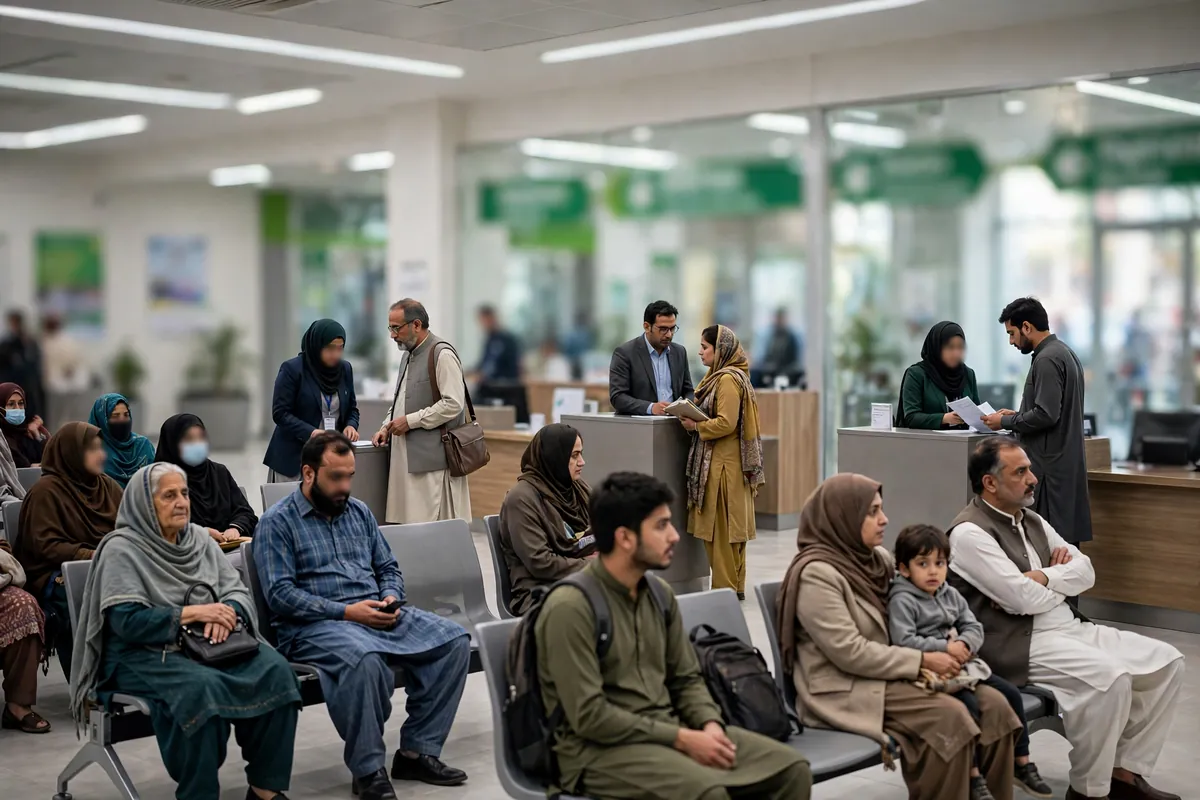
Every city and most large towns have a NADRA Registration Centre (NRC), and many districts also have executive centres with shorter queues. The visit itself is straightforward: take a token, submit your application at the counter, have your photograph and fingerprints captured, pay the fee for your chosen category and walk out with a printed receipt. That receipt — keep it safe, photograph it with your phone — is your proof of application and carries the tracking ID you will use later. In most centres the whole visit takes well under an hour outside peak days; Monday mornings and the first week of the month are the busiest, so a midweek, mid-month visit is the connoisseur's choice.
Online through Pak ID
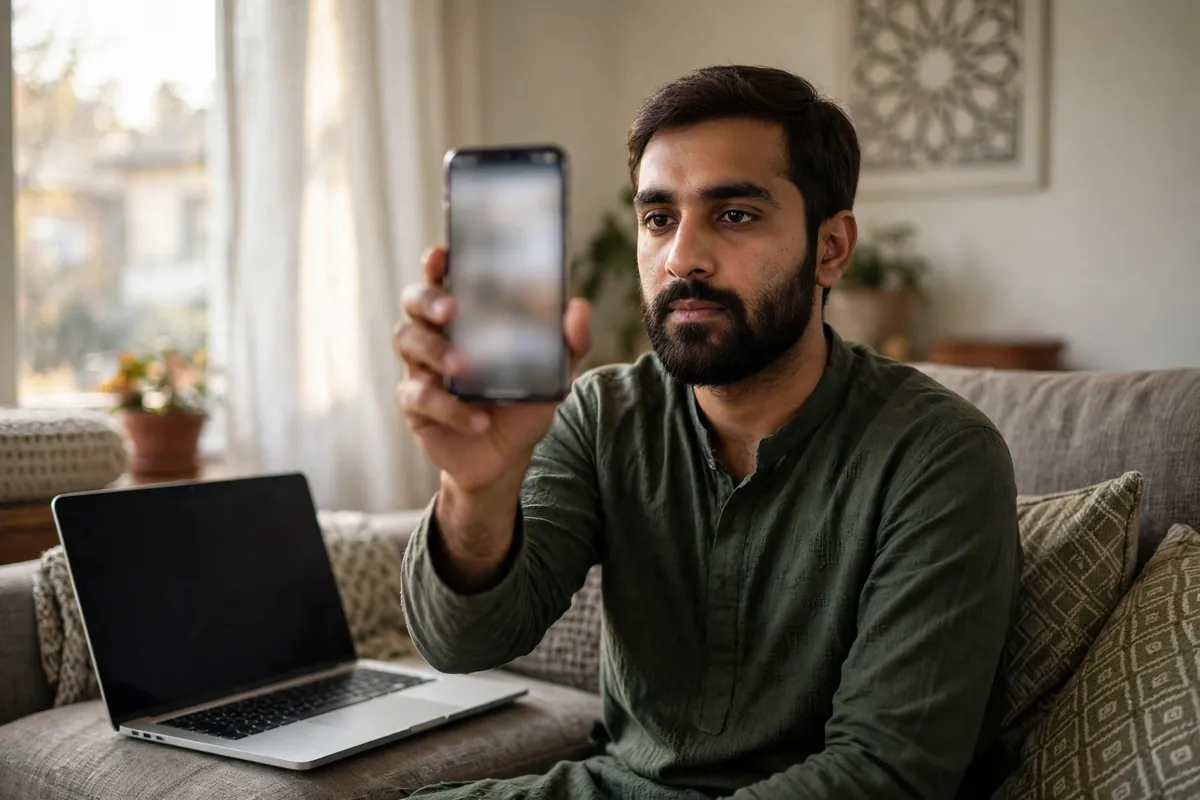
NADRA's Pak ID website and mobile app have quietly become the better option for a straightforward renewal. You create an account, choose the renewal service, fill in your details, upload a photograph taken to the app's guidance, complete fingerprint verification with your phone where your device supports it, pay by debit or credit card, and the finished card is delivered to your address. Online renewal suits anyone whose record needs no correction: if your name spelling, date of birth or family details are wrong in NADRA's data, fix those in person first, because an online renewal will faithfully reproduce the error onto a fresh card.
Documents: what to actually carry
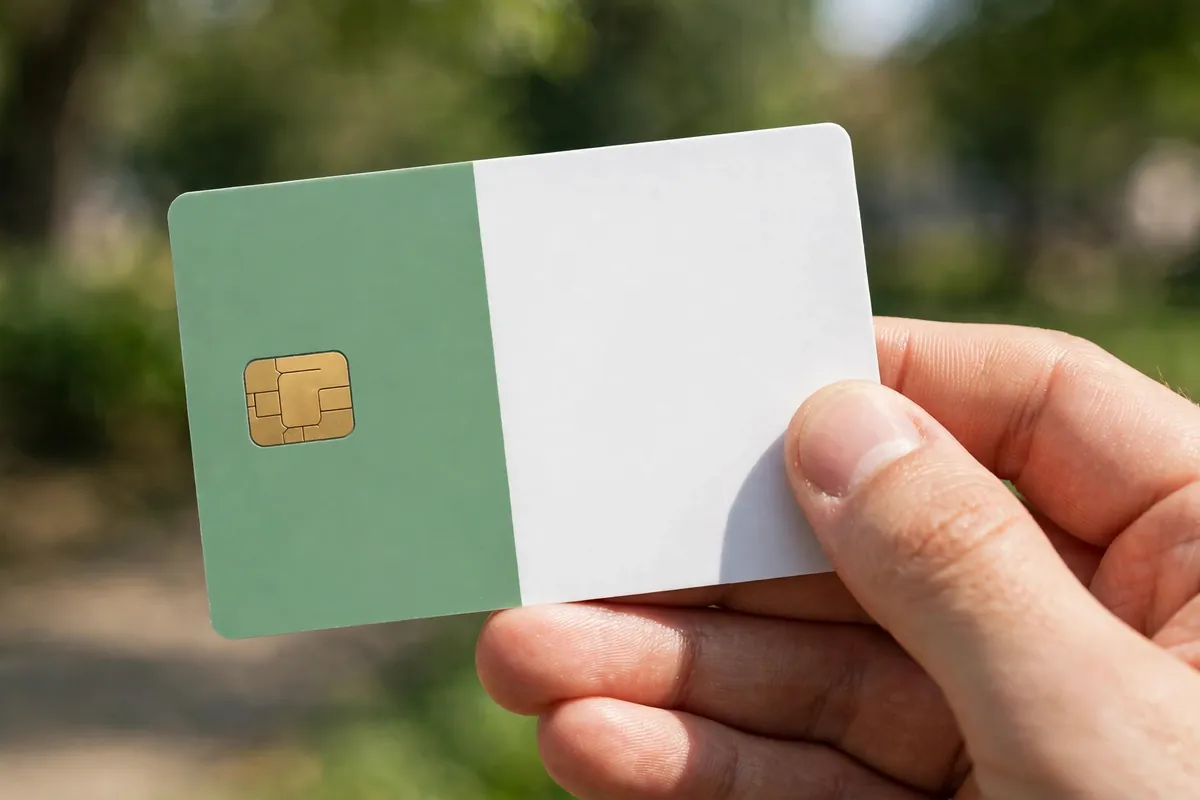
For a plain renewal — same name, same details, card simply expiring — the list is mercifully short: your existing CNIC. NADRA already holds your record; the visit refreshes it. The list grows only when something about you has changed since the last card:
- Marital status changed: carry your marriage certificate (Nikahnama), and your spouse's CNIC. A widow or widower updating their record should carry the spouse's death certificate.
- Name or parentage correction: bring the supporting record that proves the correct version — for most citizens that chain runs through the B-Form/CRC and a parent's CNIC, because NADRA's records are built as a family tree.
- Address change: proof of the new address, such as a utility bill in your name or a family member's, may be requested.
- First card at 18: that is not a renewal but a first application — bring your B-Form and a parent's CNIC.
A word about the family tree, because it is the hidden cause of most NADRA delays: your record hangs from your parents' records. If a parent's own CNIC data has an error, or the family link was never properly updated — after a parent's renewal, a marriage, a death — your application can stall until the tree is fixed. If the counter officer mentions a family verification problem, ask exactly which link is broken and fix that record first; no fee category, however fast, can jump a broken family record.
Fees: normal, urgent and executive explained
NADRA sells speed, not the card itself. The Smart CNIC you receive is identical in all three categories; what changes is where your application sits in the printing queue. NADRA's widely published fee structure for a Smart CNIC is:
| Category | Fee (Smart CNIC) | Typical delivery | Best for |
|---|---|---|---|
| Normal | Rs 750 | Up to about a month | Renewing ahead of time, no deadline |
| Urgent | Rs 1,500 | Around two weeks | A deadline a few weeks away |
| Executive | Rs 2,500 | About a week | Travel, banking or legal deadlines |
Two cautions belong with this table. First, fees are revised from time to time and NADRA's official schedule — displayed at every centre and inside the Pak ID checkout — is the final authority: confirm the exact amount there on the day you apply, and if any figure in this guide differs from the official one, the official one wins. Second, the official fee is the whole fee. No agent, facilitator or "uncle inside" can speed a NADRA card beyond the category you paid for, and money paid to anyone other than NADRA's own counter or checkout buys you nothing.
How to choose? Work backwards from your deadline. If nothing depends on the card for six weeks, normal processing is the rational buy. If a passport appointment, a bank formality or a flight sits two to three weeks away, urgent is the safe middle. Executive is insurance for a deadline inside a fortnight — expensive insurance, but cheaper than a missed flight.
Step by step at the centre
- Take a token for the renewal service and wait for your number.
- Application and data check. The officer pulls up your record. Read every field on the screen — name spellings in English and Urdu, date of birth, address — because this is the cheapest moment in your life to fix a typo.
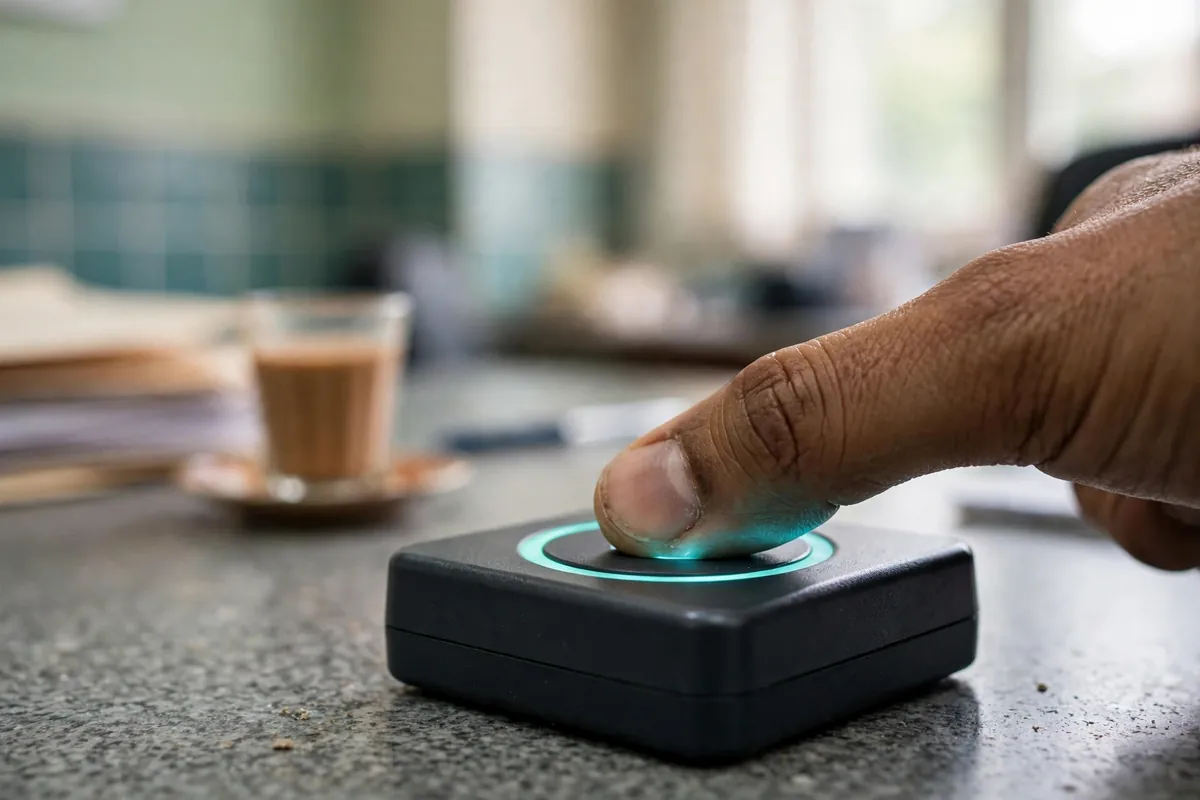
- Photograph and biometrics. Your photo is taken at the counter and your fingerprints scanned. Biometric verification against your existing record is mandatory; it is what makes the system trustworthy.
- Choose your category and pay. Normal, urgent or executive — pay the official fee and nothing more.
- Collect your receipt. It shows your application details and the tracking ID. Photograph it immediately.
- Wait and track (see below), then collect the card from the centre or receive it by delivery if you applied online.
When the new card arrives, check it in the light before you leave the counter: name, father's or husband's name, date of birth, CNIC number, address and photograph. Errors caught at collection are corrected as processing mistakes; errors discovered months later become a modification application, with a fresh fee and a fresh wait.
Tracking your card
You do not need to visit the centre to ask "is it ready?" Your receipt's tracking ID is the key: send it by SMS to 8400 and NADRA replies with the current status of your application — received, in printing, dispatched or ready. If you applied through Pak ID, the same progress shows inside your account. Give the system a day or two after applying before the first check; tracking wakes up after the application is fully registered, not the second you leave the counter. If the status does not move for well beyond your category's typical time, take your receipt to the centre and ask them to check against the tracking ID — that number, not your name, is how the system finds you.
Special cases worth knowing
Lost card. A lost CNIC is a reprint/duplicate application rather than a renewal; the same categories and broadly the same fees apply, and for a lost card you may be asked for a police report in some cases. Report the loss promptly — your CNIC number in the wrong hands is an identity-theft risk, and you can check which SIMs are registered against your number by sending your CNIC to 668.
Overseas Pakistanis. Citizens living abroad hold the NICOP instead of the domestic CNIC and renew it online through Pak ID from anywhere in the world, with delivery to their address abroad — one of the genuinely well-built corners of Pakistan's digital state.
Modifications. Changing anything printed on the card — a name, a date of birth, marital status — is a modification application with its own documentary burden. Simple corrections move quickly; a change of several years in a date of birth triggers serious verification, because that single field anchors school records, service records and passports across your whole life.
Never share your CNIC carelessly. While you are thinking about identity documents, take the free security wins: never send a photo of your CNIC to strangers or unofficial websites, and when you must hand over a photocopy, write the purpose and date across it. More identity fraud in Pakistan begins with an casually shared CNIC image than with any hacking.
Renewal is a half-hour errand once a decade. Do it a month early, pick the category that matches your calendar, keep the receipt — and the key to your official life stays firmly in your pocket.
Frequently Asked Questions
What is the CNIC renewal fee in Pakistan?
For a Smart CNIC, NADRA's widely published fee structure is Rs 750 for normal processing, Rs 1,500 for urgent and Rs 2,500 for executive. Fees are revised from time to time, so confirm the amount shown on NADRA's official fee schedule or the Pak ID checkout before you pay — never pay an agent extra on top of the official fee.
How long does CNIC renewal take?
Delivery time depends on the category you choose: executive is the fastest at roughly a week, urgent takes around two weeks, and normal processing can take up to about a month. The receipt you receive at application states your category, and you can follow progress with the tracking ID.
Which documents do I need to renew my CNIC?
For a straightforward renewal with no changes, your existing CNIC is usually enough. If you also need a change — a corrected name spelling, updated marital status or a new address — carry the supporting document for that change, such as a marriage certificate or proof of the new address, plus a parent's or family member's CNIC where verification is required.
Can I renew my CNIC online?
Yes. NADRA's Pak ID website and mobile app let you apply for renewal from home: create an account, fill in the form, upload a photograph, scan your fingerprints with the phone camera where supported, pay by card and have the new card delivered. Expired cards can be renewed online as long as your core record does not need a complex correction.
How do I track my CNIC after applying?
Your application receipt carries a tracking ID. Send that tracking ID by SMS to 8400 to receive a status update, or follow the application inside the Pak ID app or portal if you applied online. Allow a day or two after applying before the first tracking update appears.
What happens if I keep using an expired CNIC?
The record stays in NADRA's database, but an expired card blocks practical life: banks can restrict accounts, new SIM registration is refused, and passport, property and many government transactions stop. Renew at least a month before expiry so the replacement arrives in time.